
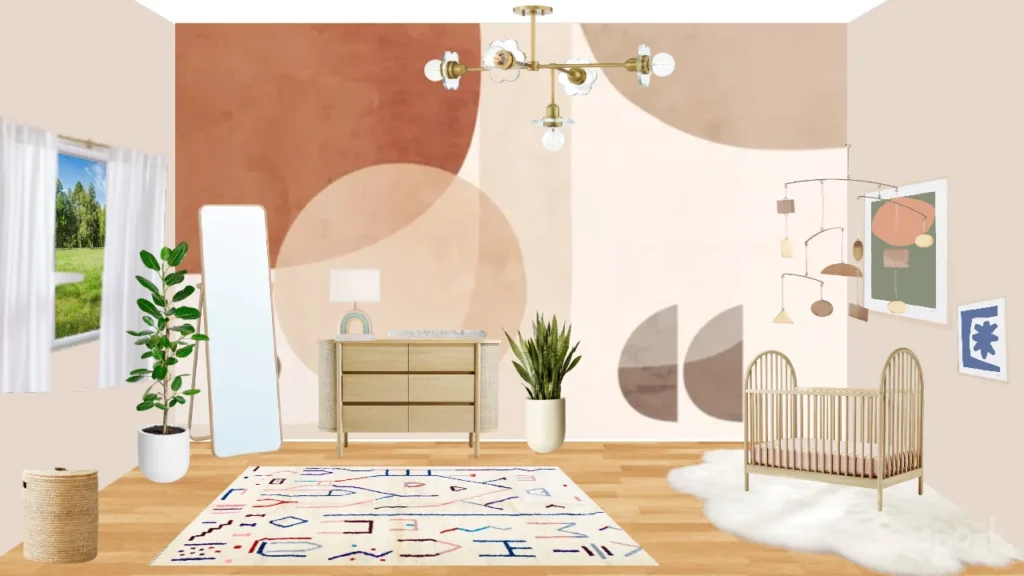
Moving into a new apartment is exciting, but it’s also easy to rush into buying furniture, decor, and accessories that don’t end up working together. Before you start shopping or unpacking, creating a mood board or design vision can help you plan your space with intention, avoid costly mistakes, and build a home that actually feels like you.
A mood board helps you define your style, visualize how colors and furniture work together, and stay focused while decorating. In this guide, we’ll walk through how to create a mood board, plus the best digital tools to design one, and platforms you can use to save inspiration and products before committing to a purchase.
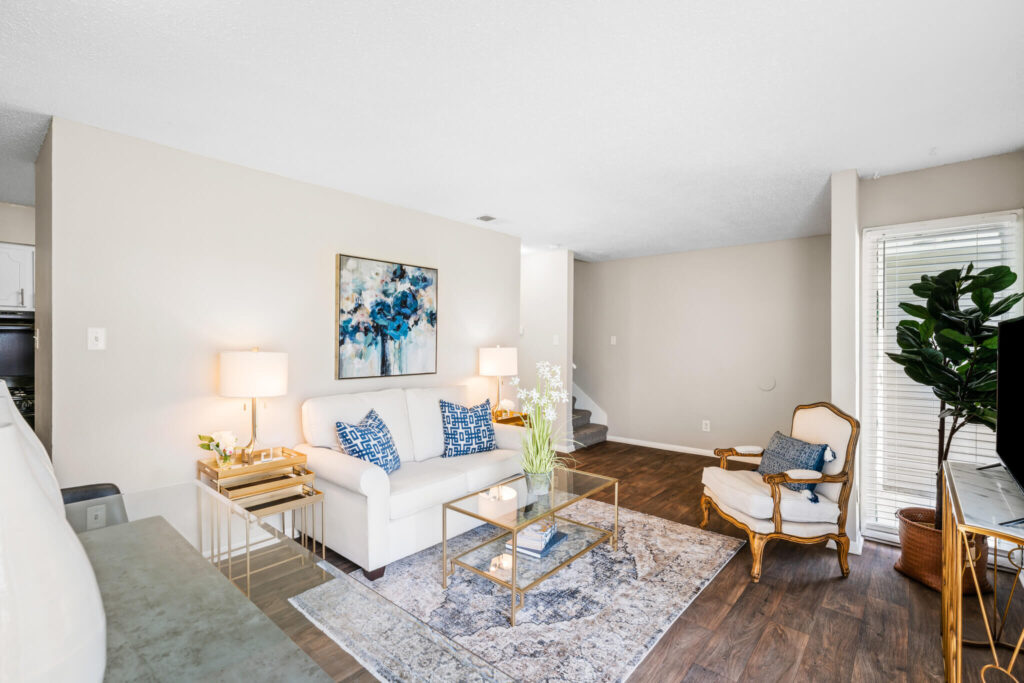
Why Create a Mood Board Before Moving In?
A mood board acts like a roadmap for your apartment design. It helps you:
- Avoid impulse purchases
- Stick to a cohesive color palette and style
- Save money by planning before buying
- Visualize how furniture and decor will look together
- Feel confident in your design choices
Instead of guessing, you’ll have a clear plan for how you want your home to look and feel.
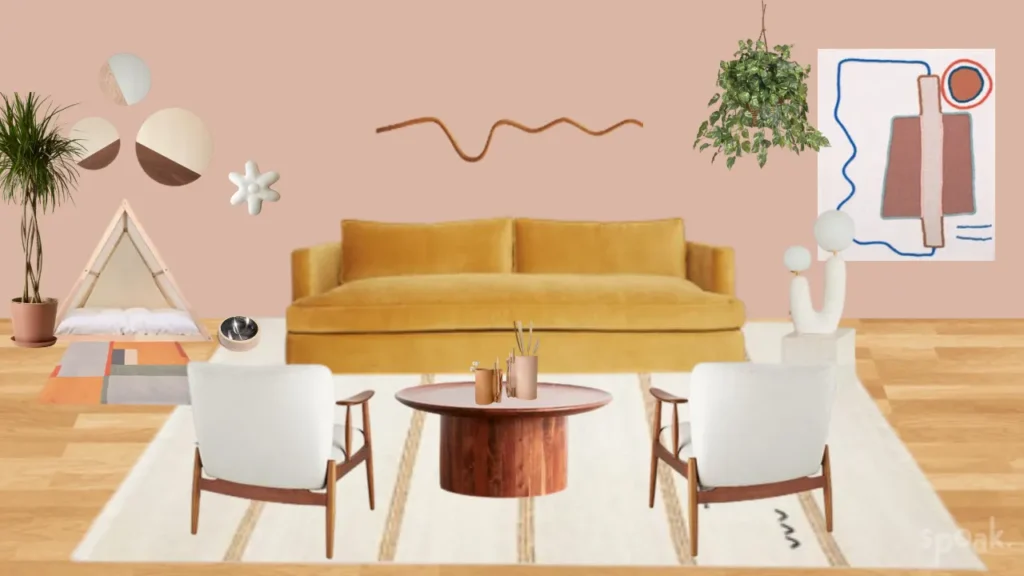
Step 1: Define the Mood & Style You Want
Before using any tools, start by identifying your desired vibe. Ask yourself:
- Do I want cozy, modern, minimal, eclectic, or warm?
- What colors feel calming or energizing?
- What textures do I love: wood, metal, linen, velvet?
- Do I prefer bright and bold or neutral and soft?
Tip: Choose 3–5 keywords that define your aesthetic. For example: “modern,” “neutral,” “coastal”.
Step 2: Use Digital Tools to Build a True Mood Board
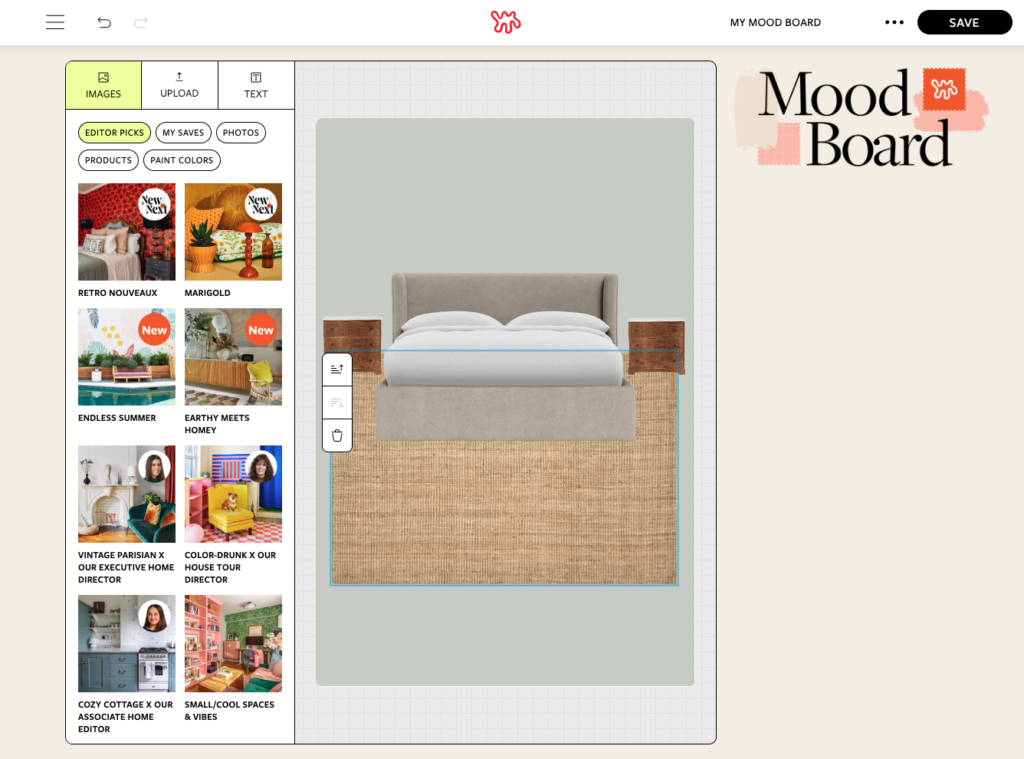
Apartment Therapy’s Mood Board Feature
Apartment Therapy’s mood board tool is ideal for visualizing room layouts and decor ideas. Here’s how to use it:
- Drag and drop furniture and decor elements
- Experiment with colors, patterns, and room styling
- See how pieces interact in a realistic space
Click here to create your custom mood board.
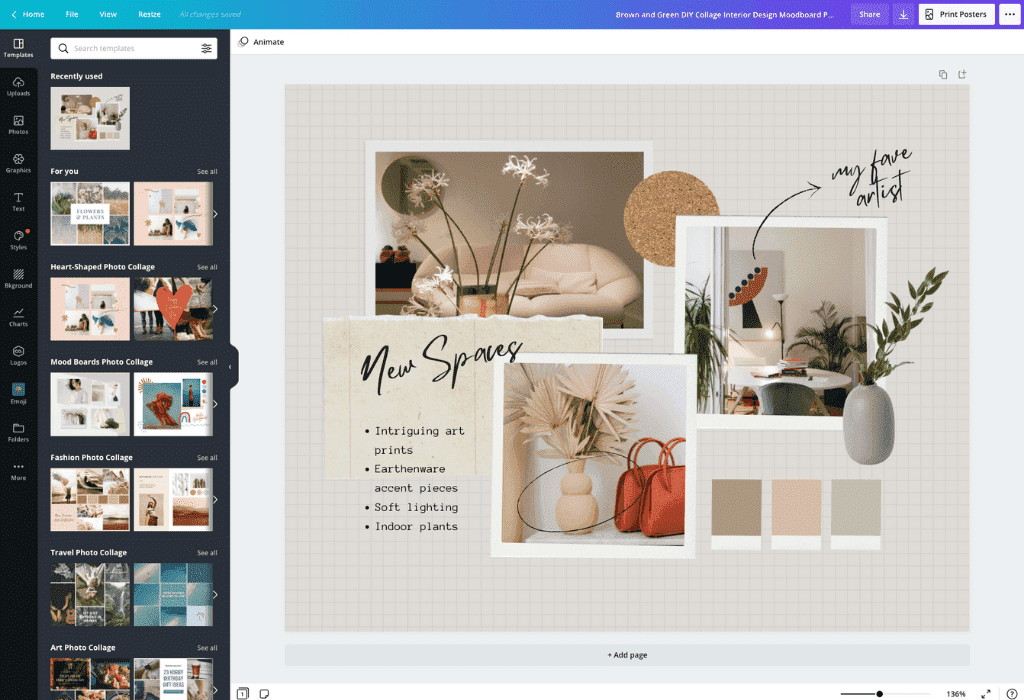
Canva
Canva is a simple, beginner-friendly way to build a mood board collage. Here’s how to use it:
- Create a blank design or use a mood board template
- Add photos of furniture, color palettes, textures, and decor
- Arrange items into a cohesive visual layout
- Label sections/pages (sofa options, wall colors, lighting, etc.)
Click here to start designing your dream mood board.
Adobe Express
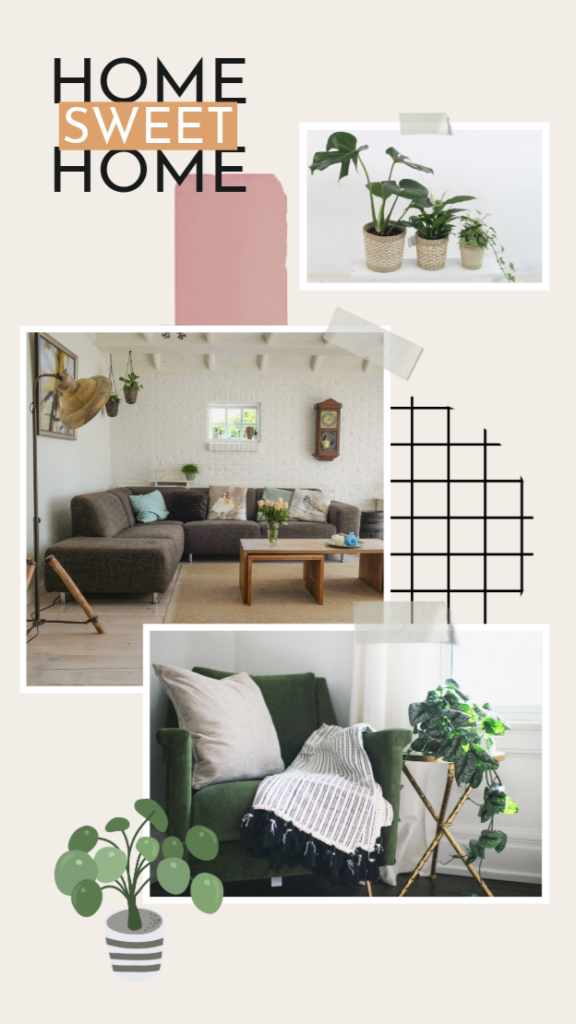
Adobe Express offers more advanced creative flexibility for those who want a polished, editorial-style board. Here’s how to use it:
- Build layered designs with text, images, and color swatches
- Create boards by room (living room, bedroom, kitchen)
- Export a final board you can reference while shopping
Click here to explore the Adobe Express mood board templates.
Step 3: Save Inspiration & Products Before You Buy
These tools help you collect ideas, furniture, and decor so you don’t impulse shop. Having specific products saved also allows you to monitor prices and limited-time sales to ensure you score the best deal.
Pinterest is ideal for gathering visual inspiration and identifying patterns in your design preferences. You can save room layouts, furniture styles, color schemes, and decor ideas in one place. Over time, reviewing what you’ve pinned can help you recognize the colors, materials, and aesthetics you consistently gravitate toward, making it easier to define your overall vision.
Amazon Lists
Amazon’s Lists feature is useful for saving actual products you’re considering purchasing. Instead of buying items immediately, you can collect furniture, decor, and accessories in a wishlist and compare them over time. This makes it easier to evaluate pricing, sizing, and style compatibility, helping you avoid impulse purchases and stay within budget. Amazon Storefronts are also a great way to discover popular items.
TikTok and Instagram Collections
TikTok and Instagram collections are great for saving real-world inspiration. From apartment tours to styling ideas and renter-friendly upgrades, these platforms provide a look at how design choices work in everyday spaces. Saving posts allows you to build a reference library of ideas that can guide your decisions when it’s time to decorate.
Creating a mood board before moving into your apartment helps you design with confidence instead of guesswork. By combining design tools (like Canva or Apartment Therapy) with inspiration-saving platforms (like Pinterest or TikTok), you can build a clear vision before spending a single dollar.
A little planning now means fewer returns, fewer regrets, and a home that feels intentional, cohesive, and uniquely yours.
Looking for more decor inspiration and apartment living tips? Click here to explore our lifestyle blog.